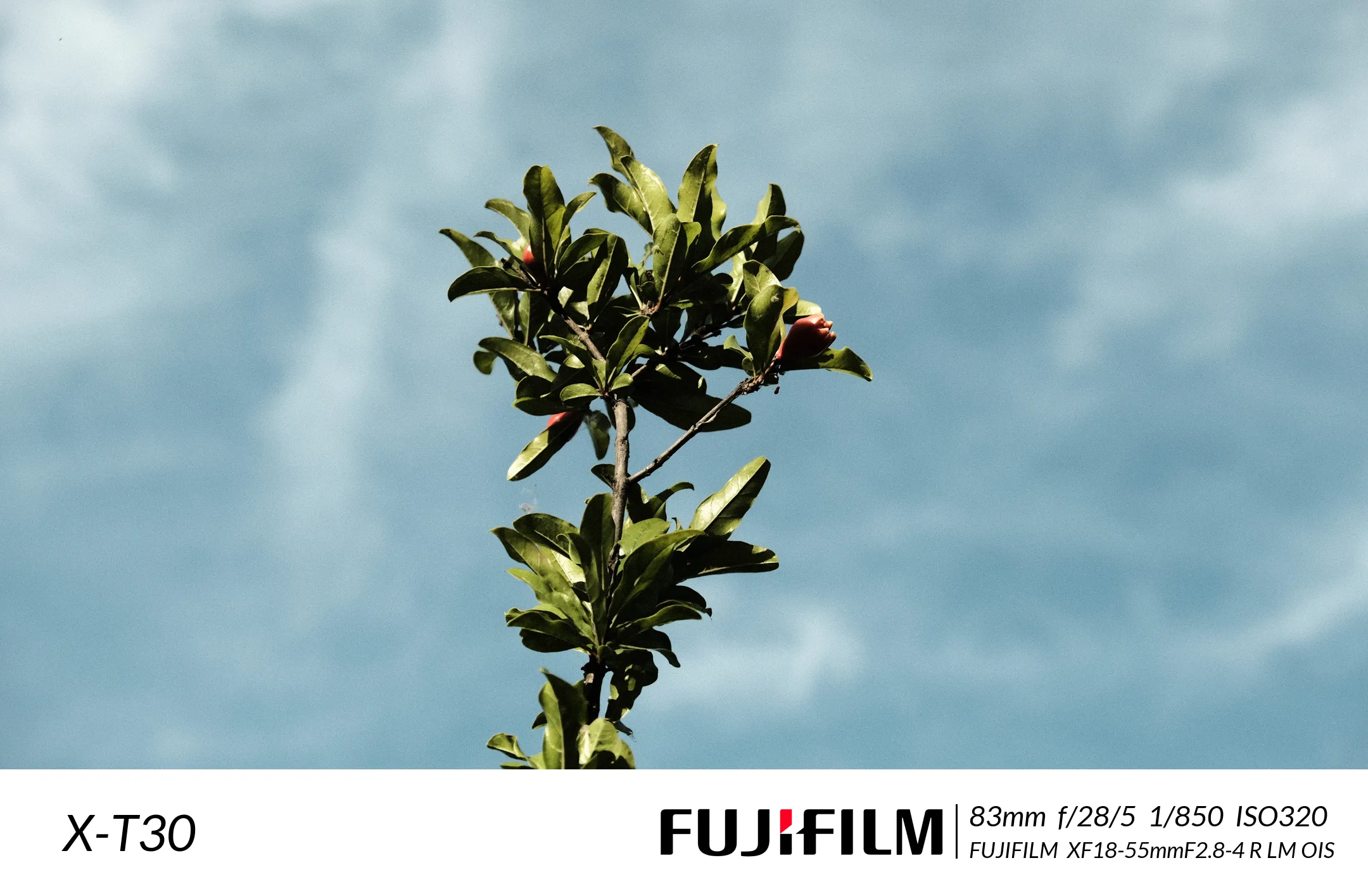
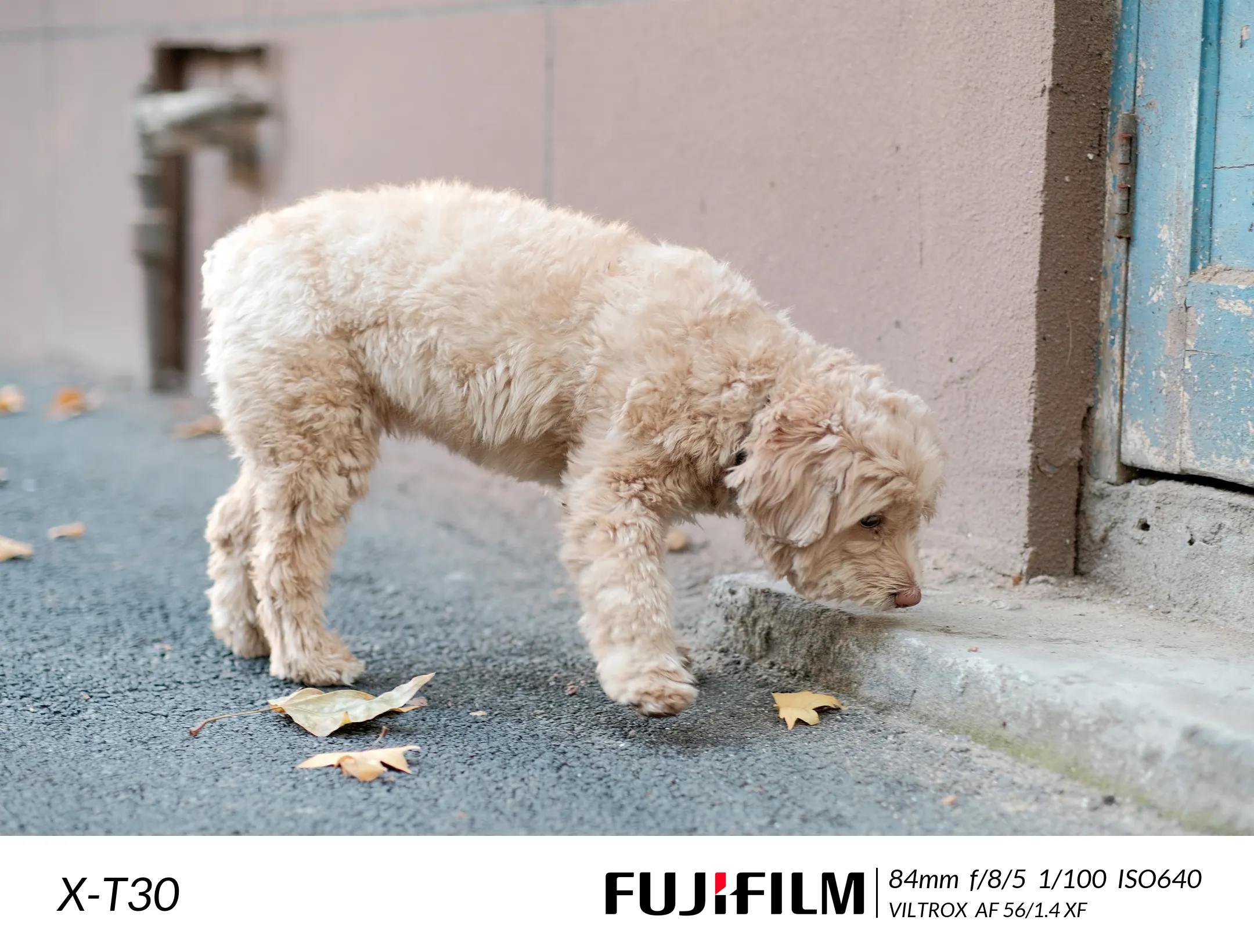
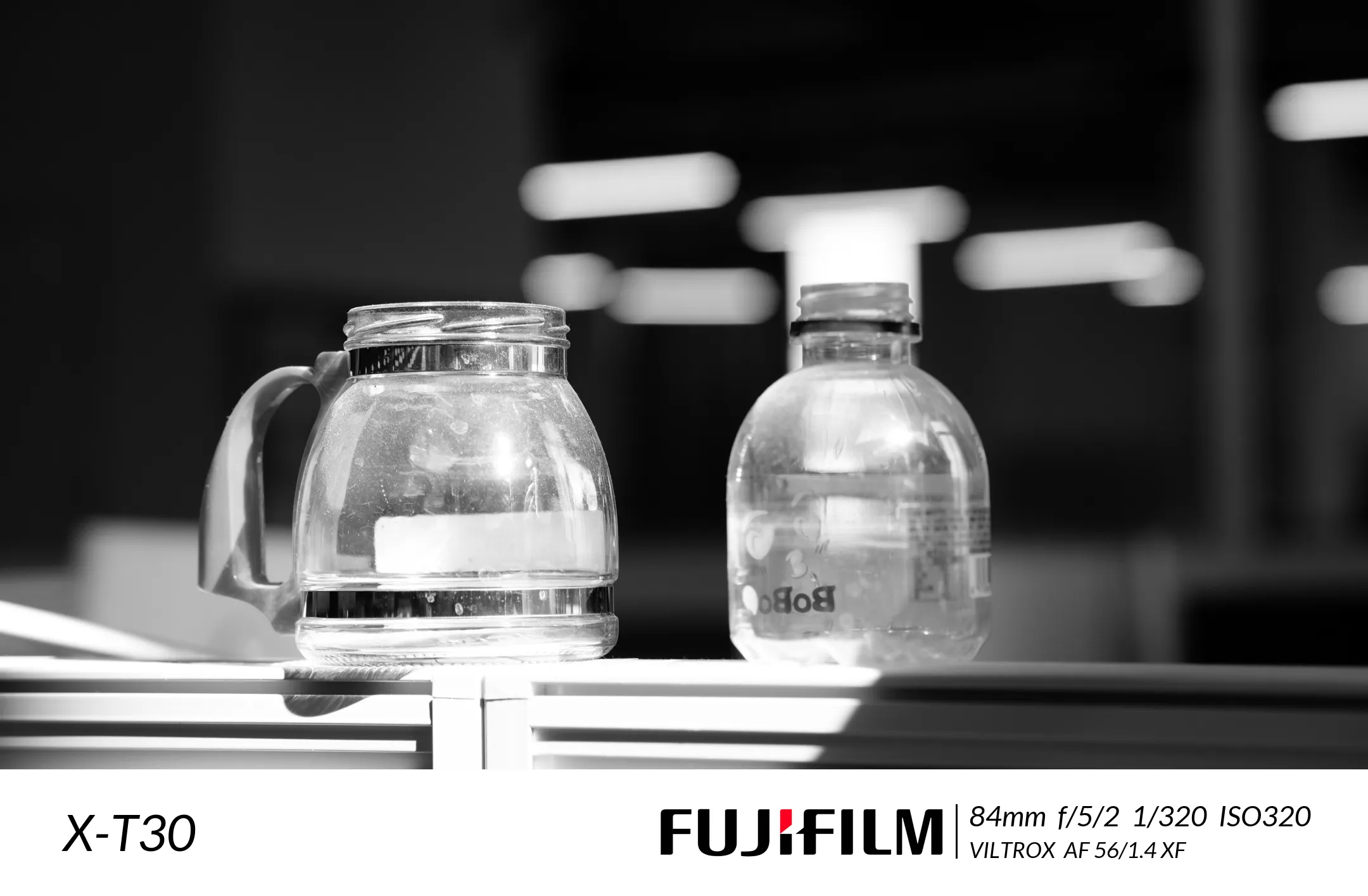
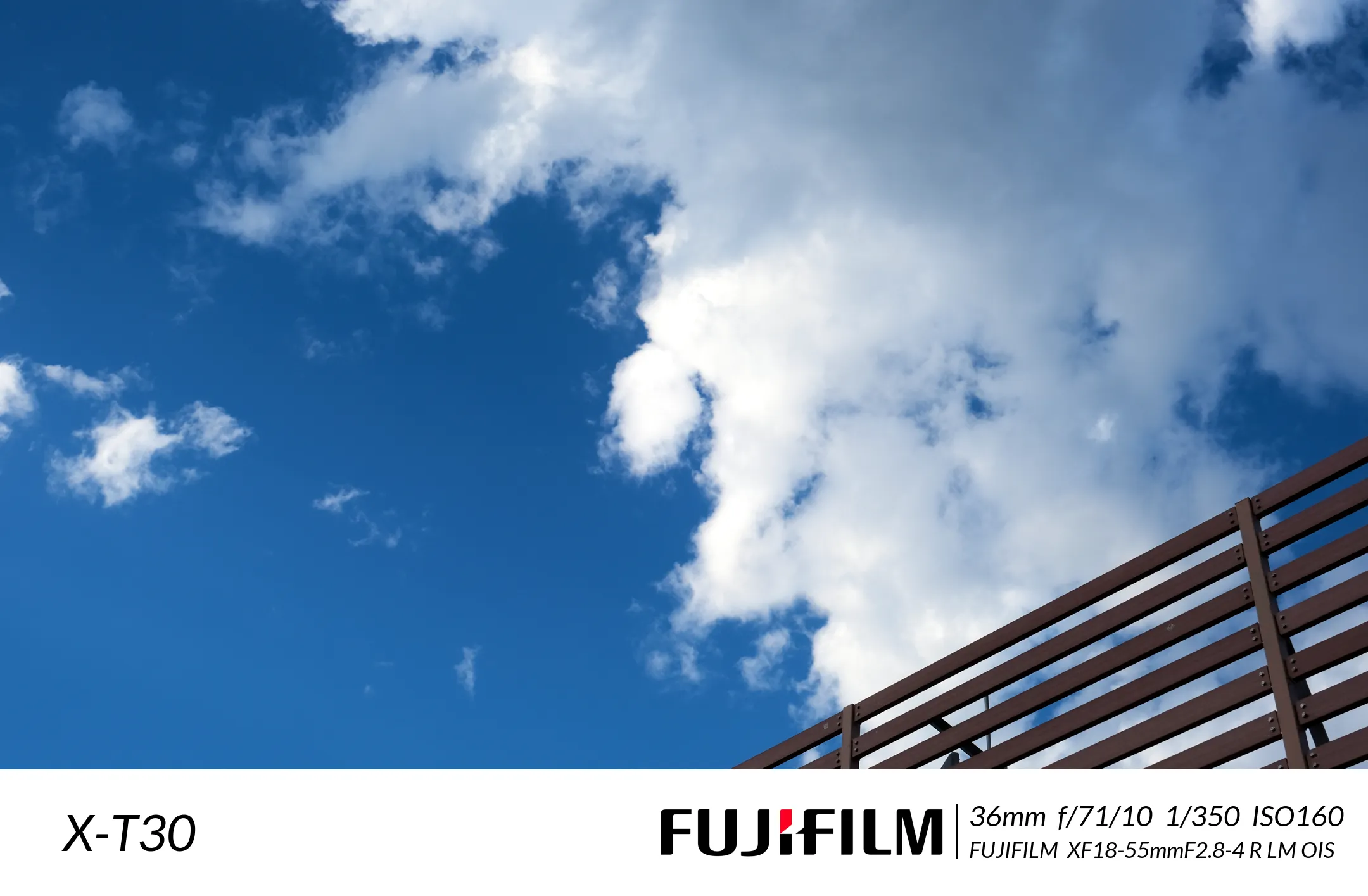
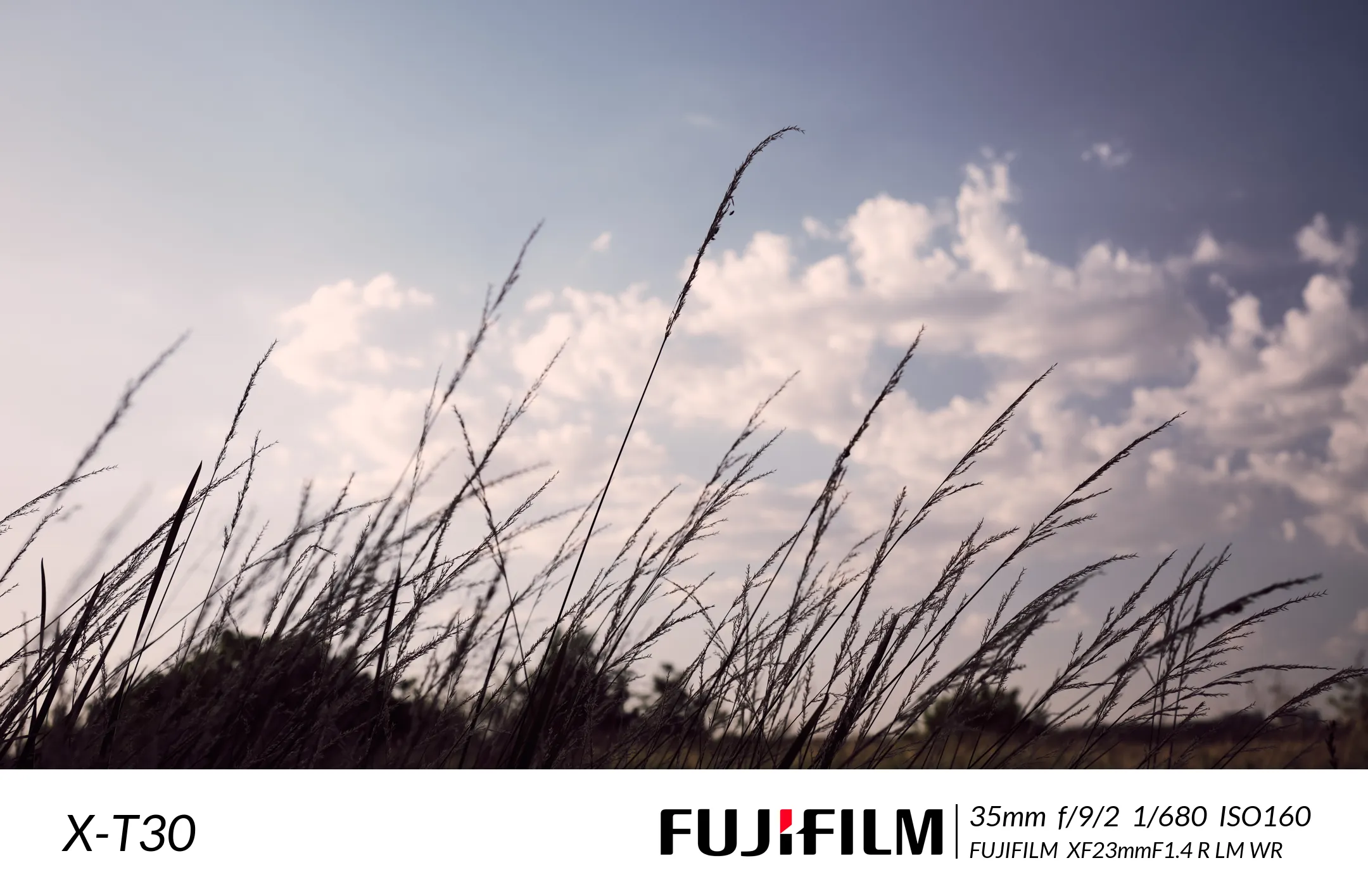
1
2
3
4
5
6
7
8
9
10
11
12
13
14
15
16
17
18
19
20
21
22
23
24
25
26
27
28
29
30
31
32
33
34
35
36
37
38
39
40
41
42
43
44
45
46
47
48
49
50
51
52
53
54
55
56
57
58
59
60
61
62
63
64
65
66
67
68
69
70
71
72
73
74
75
76
77
78
79
80
81
82
83
84
85
86
87
88
89
90
91
92
93
94
95
96
97
98
99
100
101
102
103
104
105
106
107
108
109
110
111
112
113
114
115
116
117
118
119
120
121
122
123
124
125
126
127
128
129
130
131
132
133
134
135
136
137
138
139
140
141
142
143
144
145
146
147
148
149
150
151
152
153
154
155
156
157
158
|
"""
====================================
@File Name :WaterMarkClass.py
@Time : 2022/7/24 15:32
@Program IDE :PyCharm
@Create by Author : 一一风和橘
@Motto:"The trick, William Potter, is not minding that it hurts."
====================================
"""
import glob
import os
import threading
import exifread
import tqdm
from PIL import Image, ImageDraw, ImageFont
class WaterMarkClass:
def __init__(self, max_threads_num=8):
self.init_path = 'ImgInit/'
self.webp_path = 'ImgWebp'
self.border_width = 200
self.width = 2160
self.font = 'C:/Users/MasterMao/AppData/Local/Microsoft/Windows/Fonts/Lato Italic.ttf'
self.logo = './Logo/logo.png'
self.pool_sema = threading.BoundedSemaphore(value=max_threads_num)
def check(self):
if not os.path.exists(self.webp_path):
os.makedirs(self.webp_path)
if not os.path.exists(self.font):
print(f'{os.path.split(self.font)[-1]}字体不存在!')
return 0
return 1
def run(self):
if not self.check():
return 0
all_image_path = tqdm.tqdm(glob.glob(f"{self.init_path}/*.[jp][pn]g"))
threads = []
for file_path in all_image_path:
thread_name = os.path.split(file_path)[-1]
t = threading.Thread(target=self.generate_image, args=(file_path,), name=thread_name)
threads.append(t)
all_image_path.set_description(f'添加进程{thread_name}')
t.start()
print(f'共添加{threading.active_count()}个线程')
t_threads = tqdm.tqdm(threads)
for thread in t_threads:
thread.join()
num_threads = self.pool_sema.__dict__['_value']
t_threads.set_description(f'正在转换{thread.name} 线程数:{8 - num_threads}')
@staticmethod
def get_exif(path):
"""获取图片的EXIF信息"""
"""
相机厂商:tags['Image Make']
相机型号:tags['Image Model']
镜头型号:tags['EXIF LensModel']
拍摄时间:tags['Image DateTime']
作者:tags['Image Artist']
等效焦距:tags['EXIF FocalLengthIn35mmFilm']
曝光时间:tags['EXIF ExposureTime']
光圈大小:tags['EXIF FNumber']
ISO:tags['EXIF ISOSpeedRatings']
"""
f = open(path, 'rb')
tags = exifread.process_file(f)
f.close()
return tags
@staticmethod
def generate_border(img, loc='b', width=100, color=(255, 255, 255)):
w = img.size[0]
h = img.size[1]
if loc in ['a', 'all']:
w += 2 * width
h += 2 * width
img_new = Image.new('RGB', (w, h), color)
img_new.paste(img, (width, width))
elif loc in ['t', 'top']:
h += width
img_new = Image.new('RGB', (w, h), color)
img_new.paste(img, (0, width, w, h))
elif loc in ['r', 'right']:
w += width
img_new = Image.new('RGB', (w, h), color)
img_new.paste(img, (0, 0, w - width, h))
elif loc in ['b', 'bottom']:
h += width
img_new = Image.new('RGBA', (w, h), color)
img_new.paste(img, (0, 0, w, h - width))
elif loc in ['l', 'left']:
w += width
img_new = Image.new('RGB', (w, h), color)
img_new.paste(img, (width, 0, w, h))
else:
img_new = img
return img_new
def generate_image(self, file_path):
self.pool_sema.acquire()
img = Image.open(file_path).convert('RGBA')
tags = self.get_exif(file_path)
height = int(self.width * img.size[1] / img.size[0])
img = img.resize((self.width, height))
image_border = self.generate_border(img, width=self.border_width)
draw = ImageDraw.Draw(image_border)
font = ImageFont.FreeTypeFont(font=self.font, size=80)
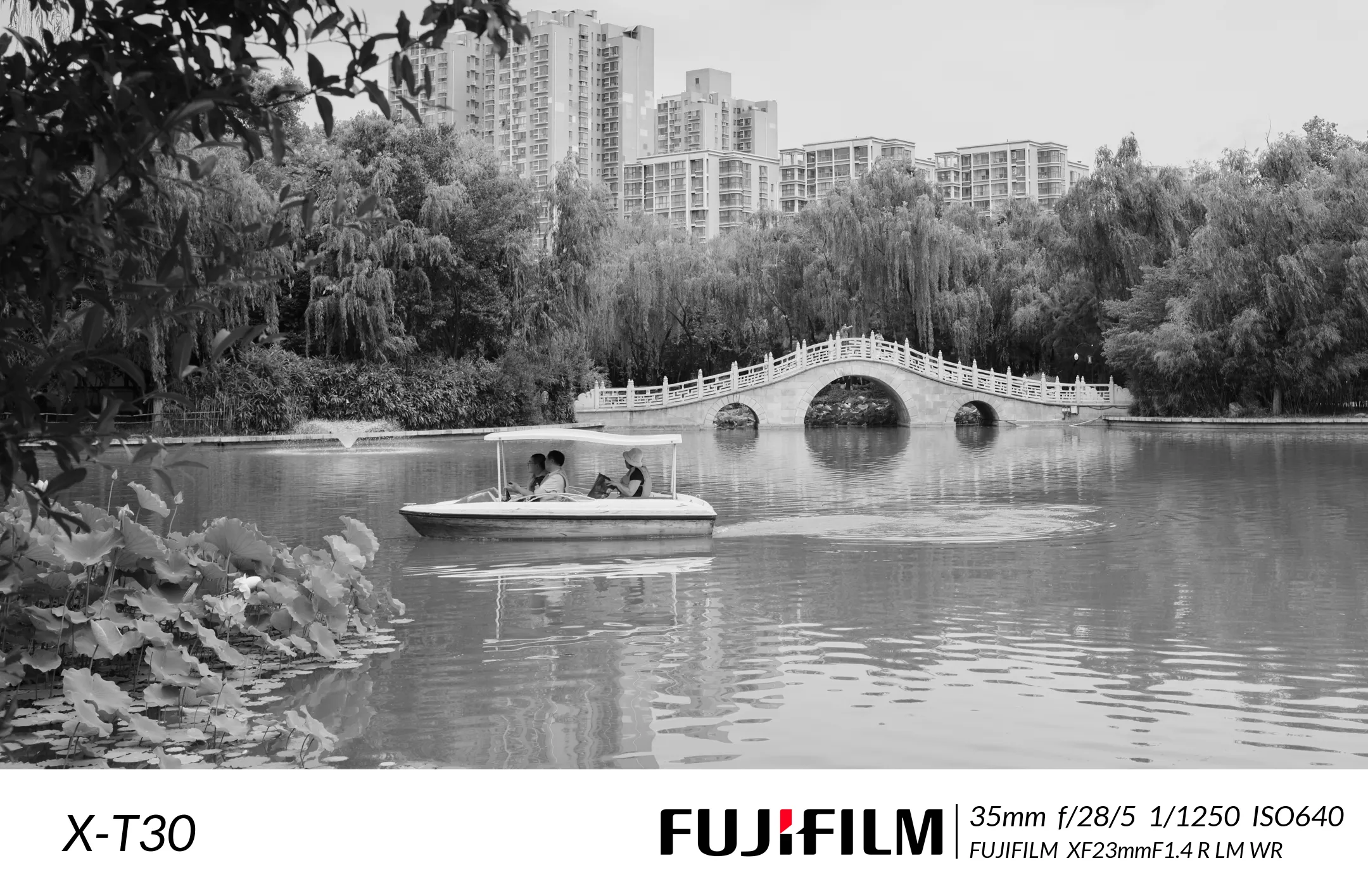
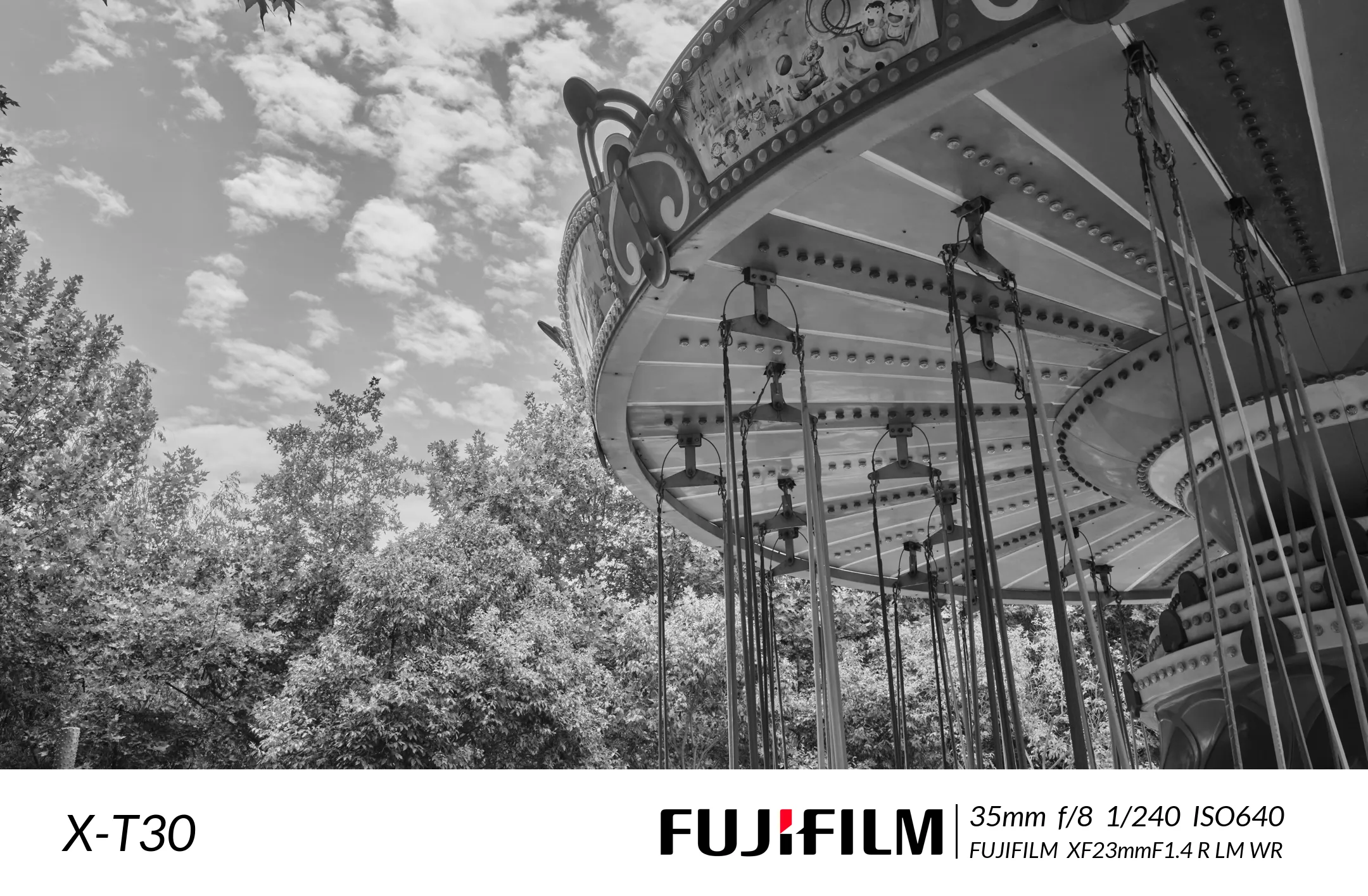
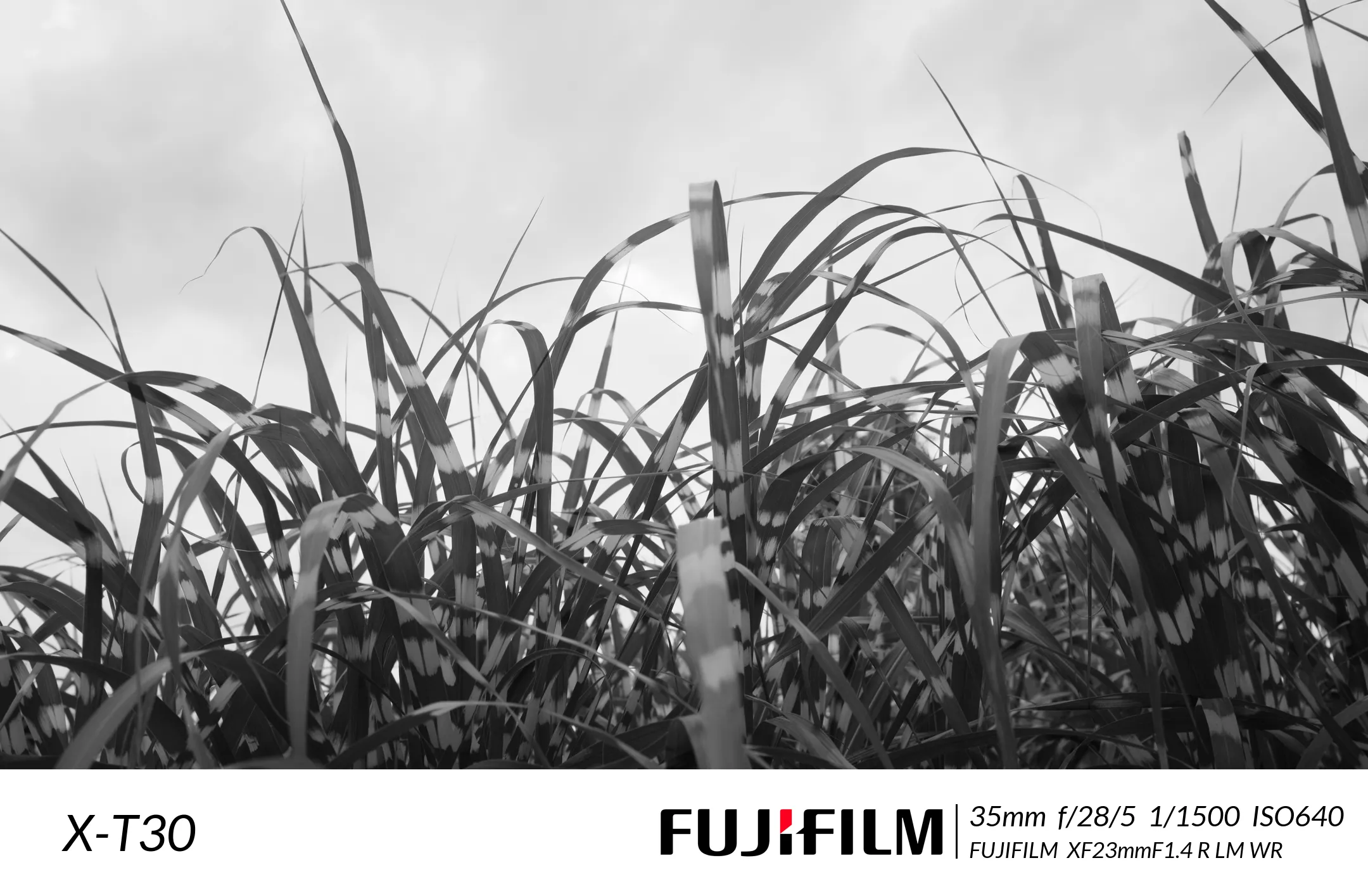
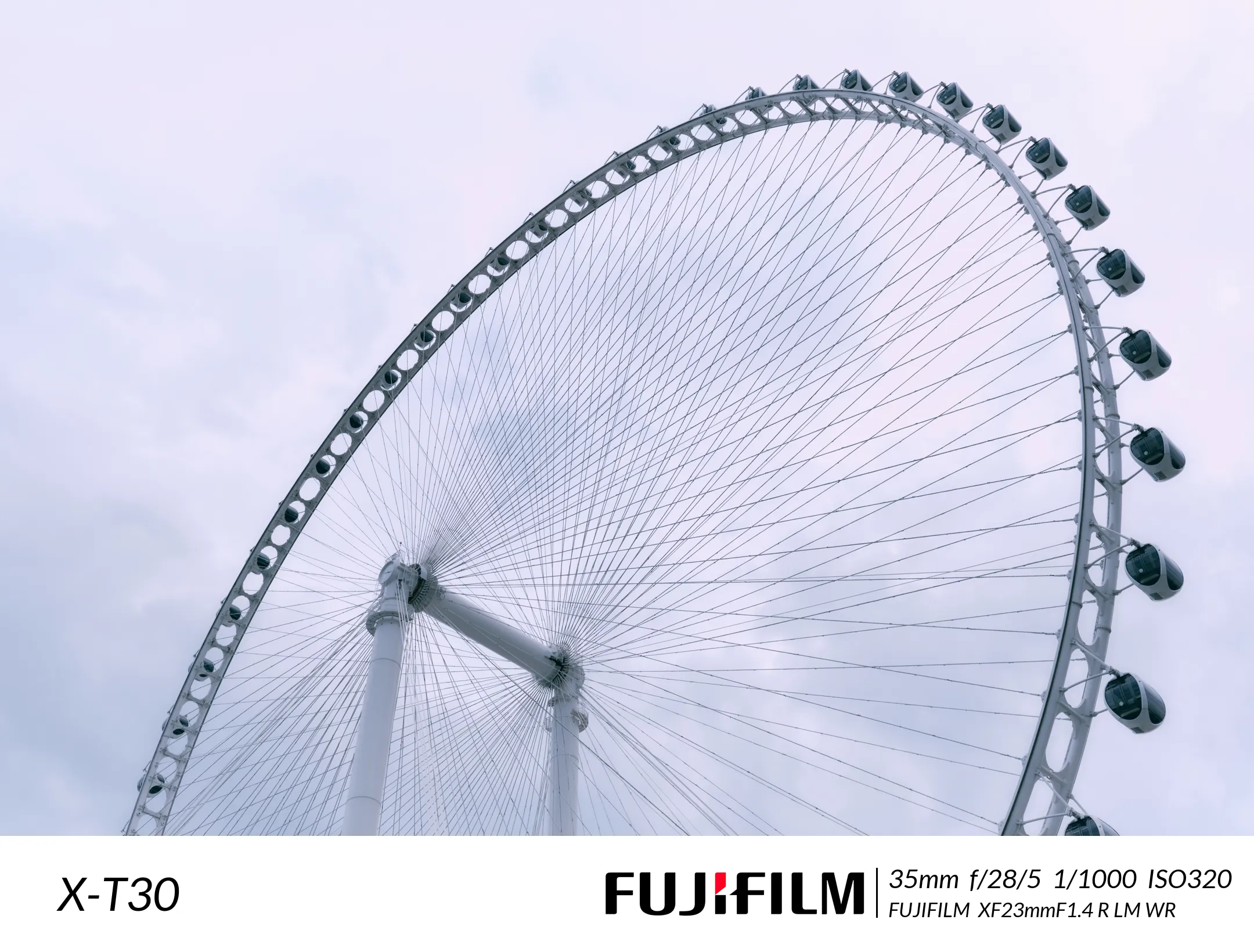
draw.text(xy=(100, height + 50), text=str(tags['Image Model']), fill=(0, 0, 0), font=font)
draw.line([(int(self.width * 0.5 + 430), int(height + 55)), (int(self.width * 0.5 + 430), int(height + 140))],
width=3, fill='black')
font = ImageFont.FreeTypeFont(font=self.font, size=45)
text = f'{tags["EXIF FocalLengthIn35mmFilm"]}mm ' \
f'f/{tags["EXIF FNumber"]} ' \
f'{tags["EXIF ExposureTime"]} ' \
f'ISO{tags["EXIF ISOSpeedRatings"]}'
draw.text(xy=(0.5 * self.width + 450, height + 45), text=text, fill=(0, 0, 0), font=font)
font = ImageFont.FreeTypeFont(font=self.font, size=35)
text = f'{tags["EXIF LensMake"]} {tags["EXIF LensModel"]}'
draw.text(xy=(0.5 * self.width + 450, height + 105), text=text, fill=(0, 0, 0), font=font)
logo = Image.open(self.logo).convert('RGBA').resize((452, 80))
image_border.paste(logo, (int(self.width * 0.5 - 40), int(height + 60)))
file_name = os.path.split(file_path)[-1] + '.webp'
file_path = os.path.join(self.webp_path, file_name)
image_border.save(file_path, "WEBP")
self.pool_sema.release()
if __name__ == '__main__':
my_watermarker = WaterMarkClass()
my_watermarker.run()
|